
Understanding Connections
Compare the three kinds of Accoil connection: widgets that show live data, DataSync that pushes traits, and actions that trigger follow-ups.
Overview
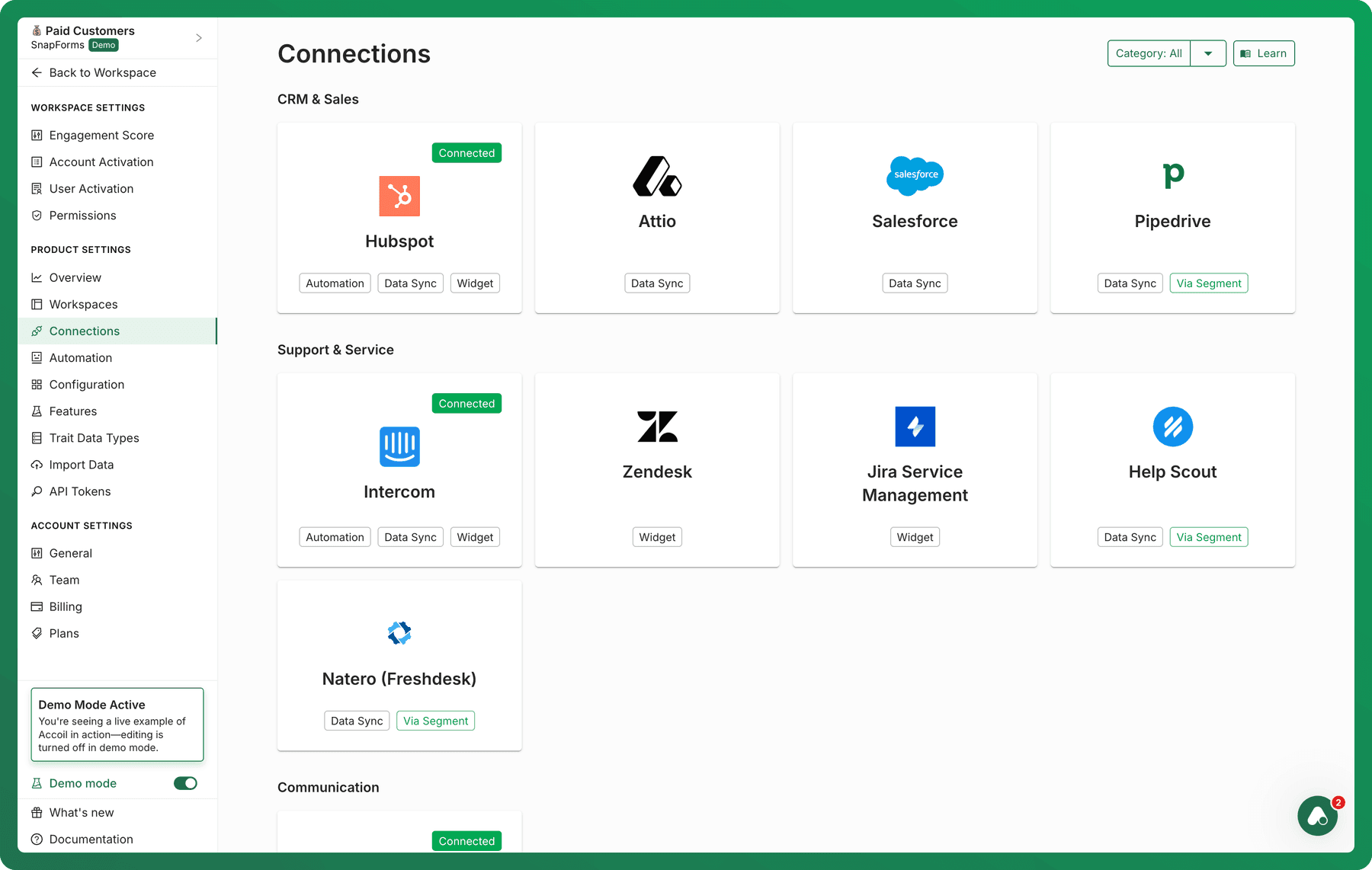
Accoil connects to the tools your teams already use—CRMs, support systems, messaging platforms, and more—so you can take action on product behavior and engagement data in real time.
Our integrations help teams view, sync, and act on product data without needing to switch tools or copy-paste insights manually.
Integration Types
Accoil offers three types of connections:
1. Widget (Live View in Other Tools)
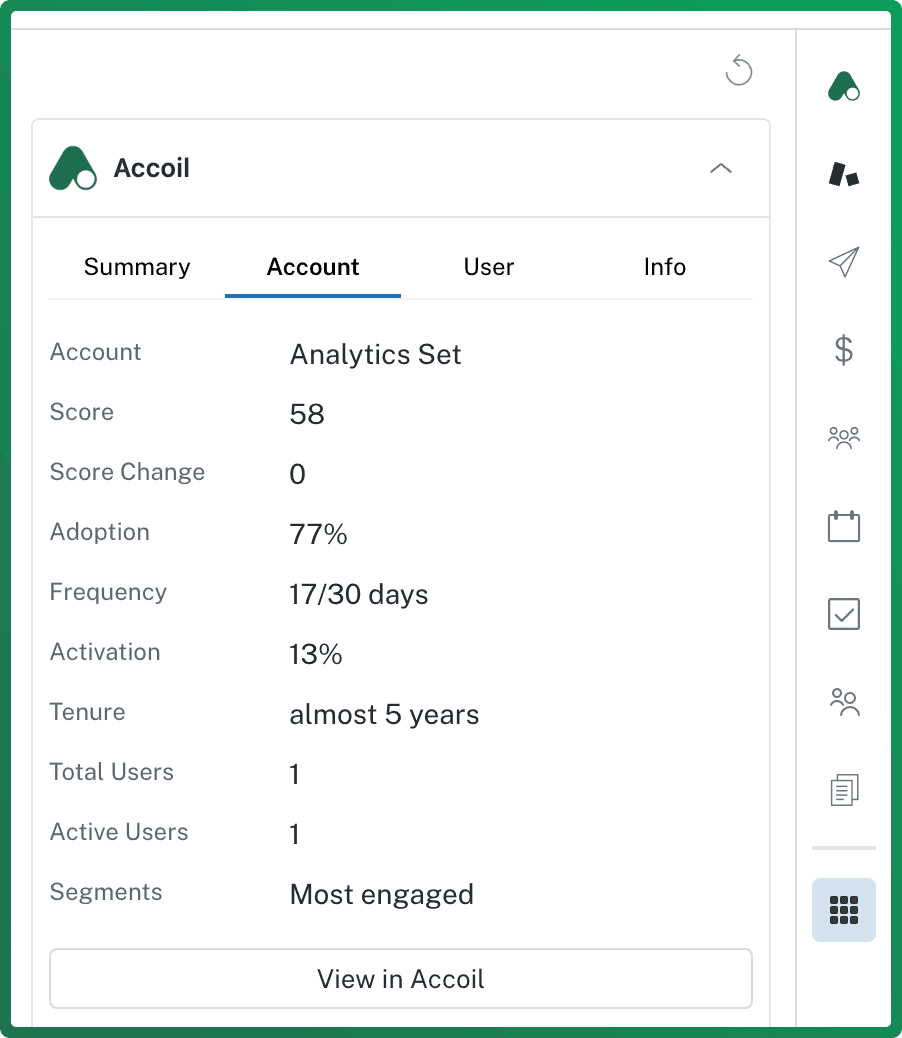
Embed live engagement data directly into tools like HubSpot, Intercom, or Jira Service Management. You’ll see live engagement scores, activation status, adoption metrics, and health summaries—all within user or account records in your CRM or support tool.
Example: A sales rep views a contact in HubSpot and sees their Accoil engagement score and recent activity in a side panel.
2. DataSync (Push Traits to External Tools)
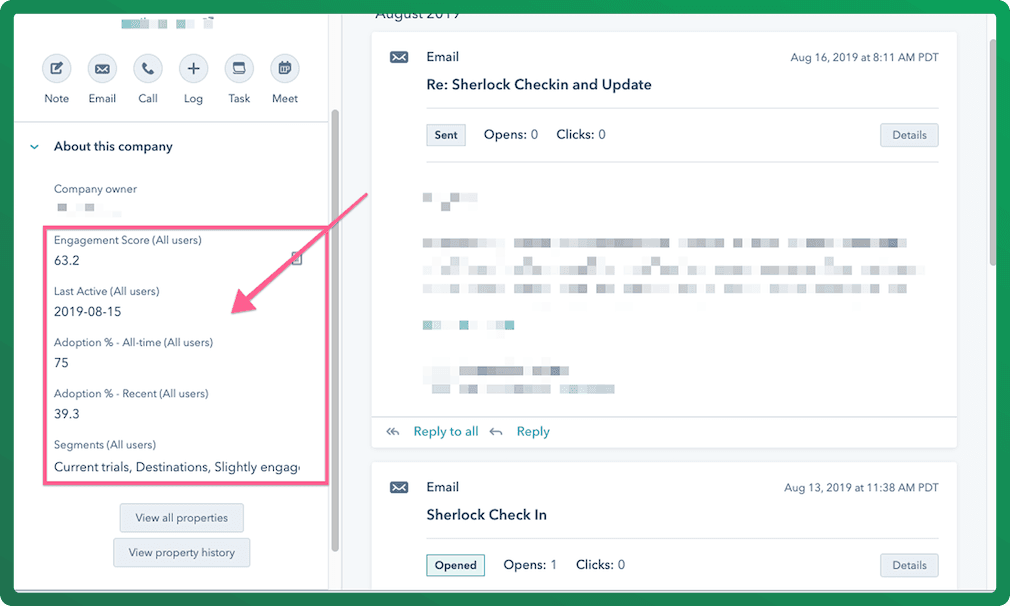
Automatically sync key Accoil traits—such as engagement score, activation rate, adoption, and segment membership—into your connected tools as custom fields or properties.
These traits are updated regularly (every 6–24 hours) for matched users and groups, and can be used for workflows, segmentation, personalization, or reporting.
Example: A marketer uses engagement scores synced into HubSpot to build a reactivation email campaign.
3. Actions (Trigger Follow-ups from Accoil)
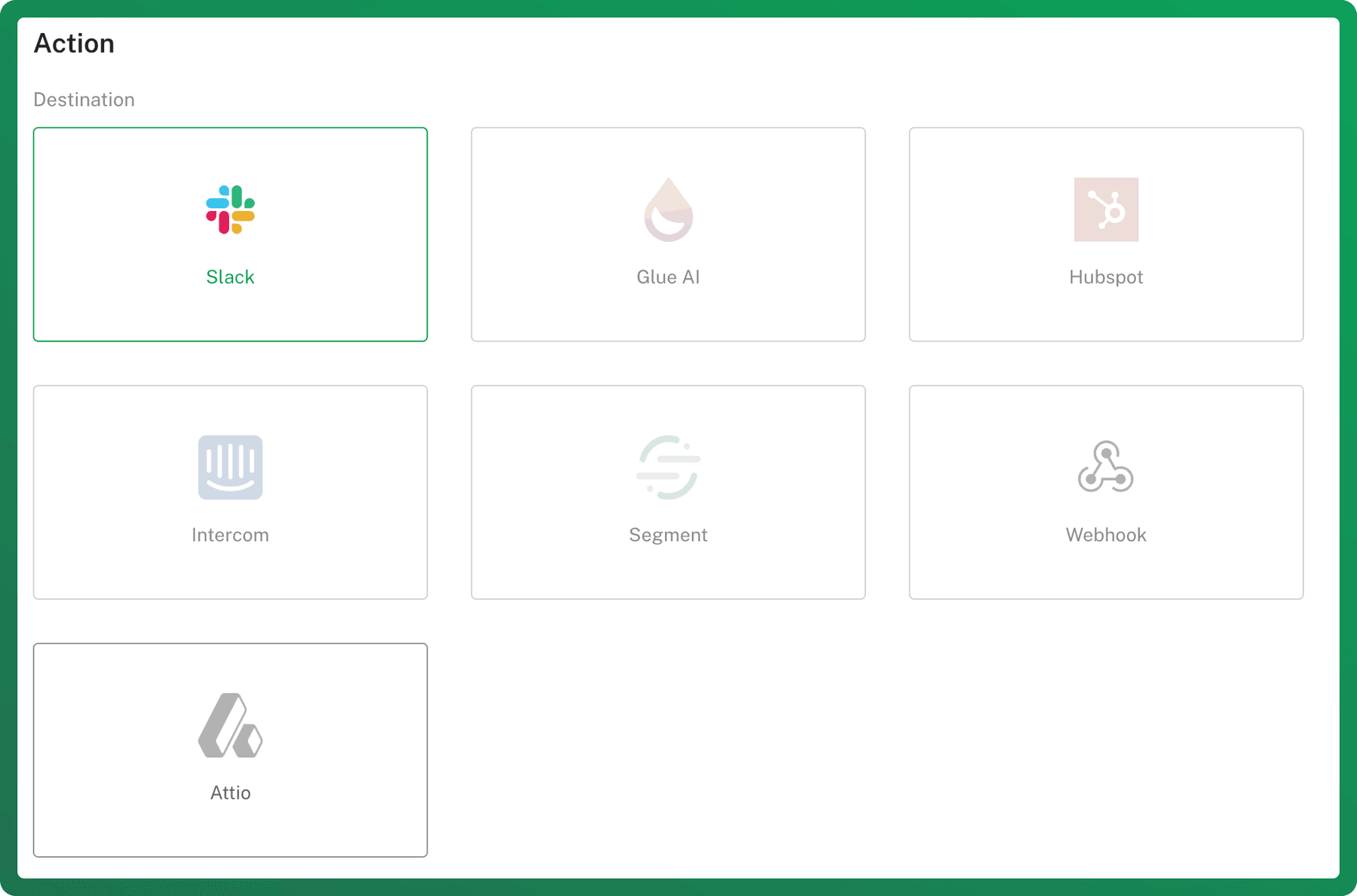
Trigger actions in other platforms directly from Accoil. This includes:
- Creating tasks in HubSpot
- Tagging users in Intercom
- Sending traits or events to Segment
Actions can be triggered manually or through Accoil’s automation rules, letting your teams respond to changes in engagement in real time.
Example: A Customer Success Manager gets a task in HubSpot when an account drops below the activation threshold.
What Traits Does Accoil Sync?
Accoil pushes key traits to external platforms. These traits can be tied to individual users or accounts (groups), depending on the integration.
| Trait | Description | Format in External Tool |
|---|---|---|
| Engagement Score | Real-time score based on user behavior | Accoil_[WorkspaceName]_Score |
| Segment Membership | Segments a user or account belongs to | Accoil_[WorkspaceName]_Segments |
| Activation Rate | Percent of activation steps completed | Accoil_[WorkspaceName]_Activation |
| Adoption (Recent) | Feature adoption over the engagement period | Accoil_[WorkspaceName]_Adoption_Recent |
| Adoption (Ever) | Lifetime feature adoption | Accoil_[WorkspaceName]_Adoption_Ever |
| Last Active | Last seen date | Accoil_[WorkspaceName]_LastActive |
| Frequency | Days active in the last X days | Accoil_[WorkspaceName]_Frequency |
| Active Users (for accounts) | Number of active users in an account | Accoil_[WorkspaceName]_ActiveUsers |
| Total Users (for accounts) | Total number of users in an account | Accoil_[WorkspaceName]_TotalUsers |
Workspace Name refers to the name of the workspace in Accoil (e.g. TrialUsers, PayingCustomers). Spaces are removed when forming the property name.
Integration Providers
Here’s what each provider supports:
| Tool | Widget | DataSync | Actions |
|---|---|---|---|
| HubSpot | ✅ | ✅ | ✅ |
| Intercom | ✅ | ✅ | ✅ |
| Segment | ❌ | ✅ | ✅ |
| Attio | ❌ | ✅ | ❌ |
| Jira | ✅ | ❌ | ❌ |
| Zendesk | ✅ | ❌ | ❌ |
| Slack | 🔁 Custom | ❌ | ✅ |
Note: Slack allows for querying and actions.
Each provider has its own connection method and configuration steps. See individual integration guides for detailed setup.
LLM Integrations
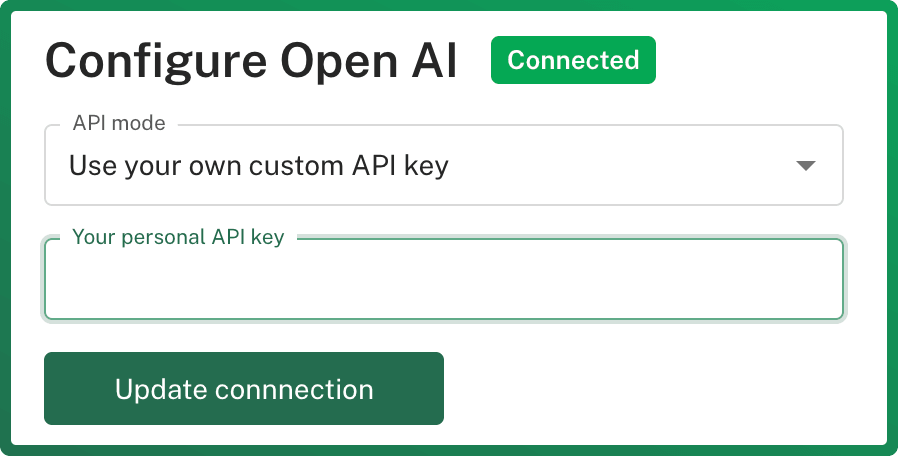
Accoil supports several large language models (LLMs) to power insights and summaries.
You can:
- Disable LLMs entirely
- Provide your own API key for more control
Supported Models:
- Perplexity (Beta)
- OpenAI
- Claude (Anthropic)
LLMs are used for features like summaries and natural you remain in full control of what’s used. No identifying data such as account names or user names is ever passed to the LLM.
Example Use Cases by Team
Sales
- Prioritize leads based on product engagement (via HubSpot)
- View real-time usage inside CRM records
Customer Success
- Get alerts when accounts show signs of risk
- Create follow-up tasks for accounts with low activation
Marketing
- Trigger campaigns based on product behavior (via HubSpot or Segment)
- Target reactivation messaging to low-engagement segments
Support
- View user activity and health in Intercom or Zendesk
- Prioritize support based on last active or adoption metrics
Questions?
If you’re unsure which integration type is best for your workflow—or you’d like to request a new integration—reach out to the Accoil team via chat or email.