
PostHog data pipeline to Accoil
Connect PostHog to Accoil using the native data pipeline destination to power engagement scoring and account health from your existing analytics.
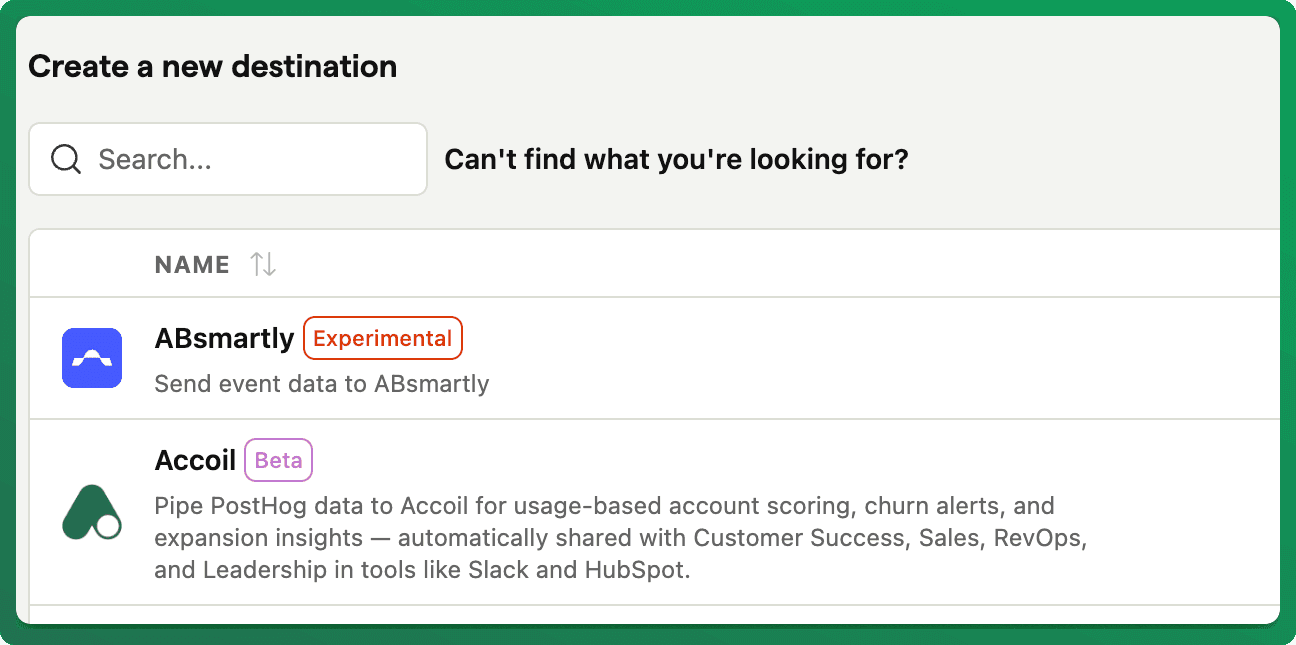
Set up a reliable PostHog-to-Accoil event pipeline using PostHog's native data pipeline destination — giving you real-time visibility into product usage, account health, and feature engagement.
If you're already tracking product analytics in PostHog, connecting to Accoil means your existing events, user data, and account data flow directly into Accoil without any re-instrumentation.
With this integration you can:
- Monitor feature adoption at the user and account level
- Score account health using the events you're already capturing
- Detect activation and churn signals across your customer base
- Power CS and revenue workflows with real-time product data
How to Set Up
Step 1: Get Your API Key
Log in to your Accoil workspace and navigate to Settings > Product > Overview. Copy your Ingestion API key from the right sidebar.
Step 2: Connect in PostHog
- In PostHog, go to Data Pipelines > Destinations > New Destination.
- Search for and select Accoil, then click Create.
- Paste your Accoil API key.
- Click Create & enable.
Your PostHog events are now flowing into Accoil.
Important: PostHog lists two Accoil-related destinations. Use the one labeled "Accoil", not "Accoil Analytics". The Accoil destination was developed by our team and works correctly with the Accoil API.
What Gets Synced
- User identification —
$identifyand$setevents create and update user profiles - Account data —
$groupidentifyevents map to Accoil's account model - Page and screen views —
$pageviewand$screenevents are captured as track events - Custom events — Any event that doesn't start with
$is tracked as product activity
Good to Know
- Default user traits include
userId,email,name, andcreatedAt. You can configure additional traits in the PostHog destination settings. - Default group traits include
groupId,group_name,group_plan,group_mrr, andgroup_status. Additional traits can be added the same way. - Filter out test data by using PostHog's pipeline filters to exclude internal users, or set up domain-based filtering in Accoil under Workspace Settings > Engagement Score > Filter Users.
Need More Help?
Visit our Developer Docs for event mapping details, trait configuration, and filtering options
Atlassian Marketplace
Sync Atlassian Marketplace license data into Accoil to combine subscription details with product usage for deeper customer insights.
Rudderstack Quick Start Guide for Accoil
Add Accoil as a RudderStack destination using your Ingestion API key, and see which identify, group, and track events Accoil stores.