
Start here | Sales team
How Sales teams use Accoil to focus on high-potential accounts, spot hot leads from engagement, and time outreach to activation milestones.
Summary
Maximize sales impact by prioritizing high-potential accounts, spotting hot leads early, and targeting ready-to-convert prospects with Accoil's data-driven insights.
How this helps
Focus on high-impact accounts, leveraging data to prioritize strategic actions and accelerate pipeline movement.
How Accoil helps your Sales team
Sales teams drive revenue and customer relationships. By leveraging Accoil, they can:
- Prioritize high-potential accounts — Focus your efforts where the likelihood of closing is highest.
- Spot hot leads early — Monitor engagement levels to identify strong adoption and buying intent.
- Target ready-to-convert prospects — Identify accounts hitting key activation milestones, signaling they’re close to deciding.
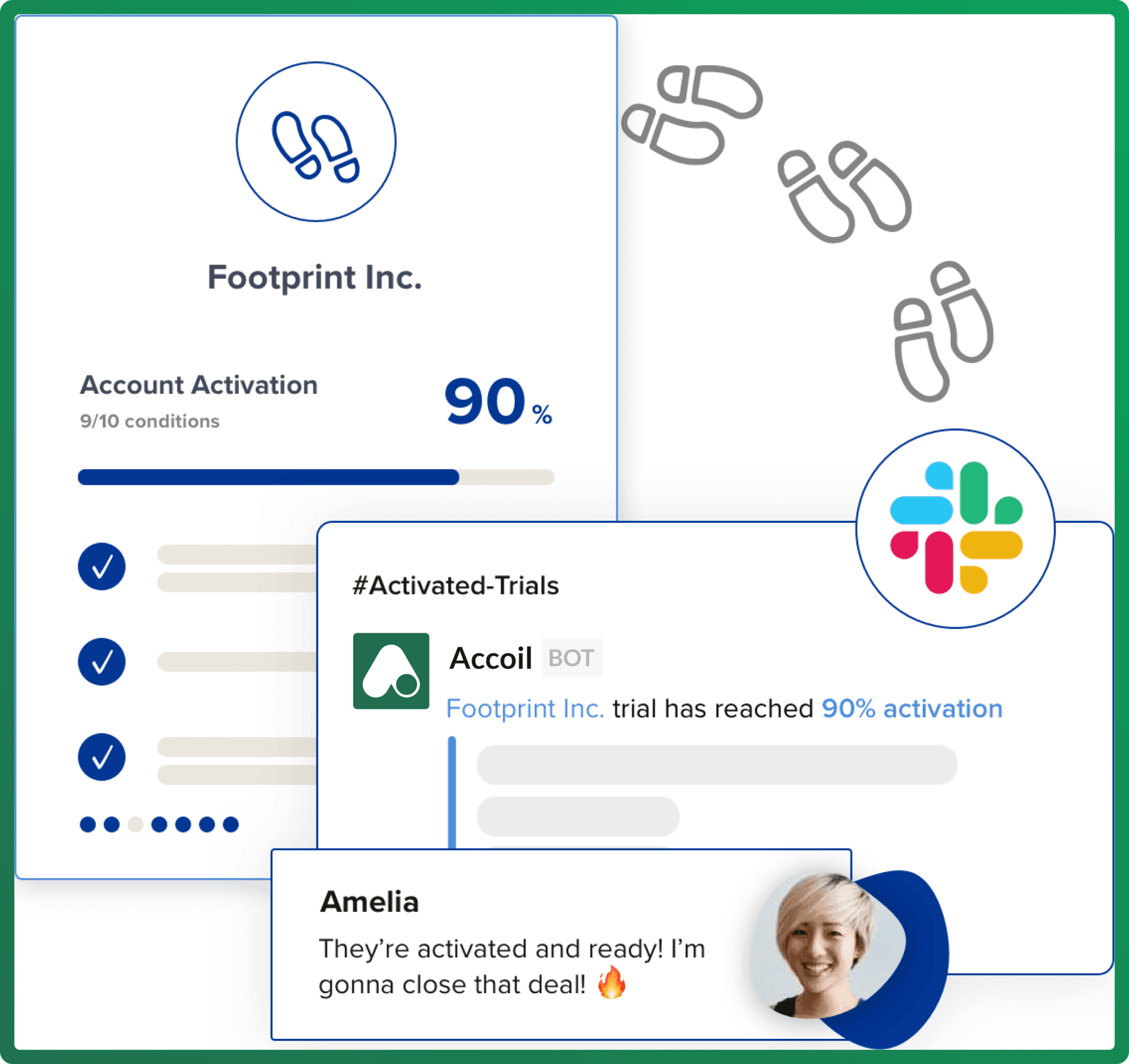
Typical tasks for a Sales Team
| Task | How Accoil Helps |
|---|---|
| Closing the deal | Recognize engagement patterns in trial users, track activation progress, and monitor time-to-activation. |
| Feature adoption analysis | Identify the most-used features by trial users and tailor sales pitches accordingly. |
| Engagement frequency monitoring | Find trial users logging in daily and engaging deeply—prime candidates for conversion. |
| Segmentation by engagement level | Identify users who complete onboarding and tailor pitches to their needs. |
| Customer success intervention | Flag high-value accounts needing assistance to boost activation and upgrades. |
| Personalized demonstrations | Offer one-on-one demos to trial users engaging extensively with the product. |
| Automate your process | Integrate Accoil insights with HubSpot, Intercom, and Slack to streamline workflows. |
| Customer testimonials | Share case studies and testimonials with trial users to reinforce the value of upgrading. |
Identifying upsell opportunities
| Task | How Accoil Helps |
|---|---|
| Analyze engagement metrics | Identify high-engagement users who would benefit from premium features. |
| Spot leads and risks | Use engagement scores to find upsell-ready users and intervene with disengaged ones. |
| Track usage patterns | Identify customers frequently using specific features to suggest relevant upgrades. |
| Monitor account growth | Recognize growing teams that may need higher-tier plans. |
How to Optimize Accoil for your Sales team
| Step | What it does | Metrics to use |
|---|---|---|
| 1. Set up workspace | Monitor key accounts and users to track engagement trends. | Product engagement score, frequency, adoption rate, tenure, active users (total & percentage). |
| 2. Use segments | Find hot and cold segments quickly, or create custom segments based on frequency and adoption. | Same as above. |
| 3. Configure account and user activation | Define key milestones that indicate activation and readiness for conversion. | Activation rate, engagement score, adoption rate. |
| 4. Get familiar with the Events page | Identify which features are driving engagement and include them in sales conversations. | Average adoption, adoption change, engagement score, individual feature usage. |
| 5. Pipe insights to relevant teams | Automate data sharing with sales tools like HubSpot, Intercom, and Slack. | Score changes, activation changes, new users, account or user segment entries, custom alerts. |
📌 Learn more about setting up engagement profiles here
Recommended reads:
Start here | Product Managers
How Product Managers use Accoil activation and adoption data to measure feature success, find friction, and decide what to build next.
Start here| Account Management
What Account Managers can do with Accoil engagement insights, health scores, and adoption tracking to tailor support and drive renewals.